


CRM Data Security: How to Protect | Best Practices

Here is a statistic that should keep every business owner awake at night. The average cost of a data breach reached $4.88 million in 2025, and the cost is rising. Worse, 60% of small businesses that suffer a data breach go out of business within six months.
Your CRM system contains some of your most valuable and sensitive assets. Customer names, contact details, purchase history, communication records, payment information, and even personal identification data. A breach of your CRM data security can destroy customer trust, damage your reputation, and lead to severe legal penalties.
What are the most effective CRM data security best practices?
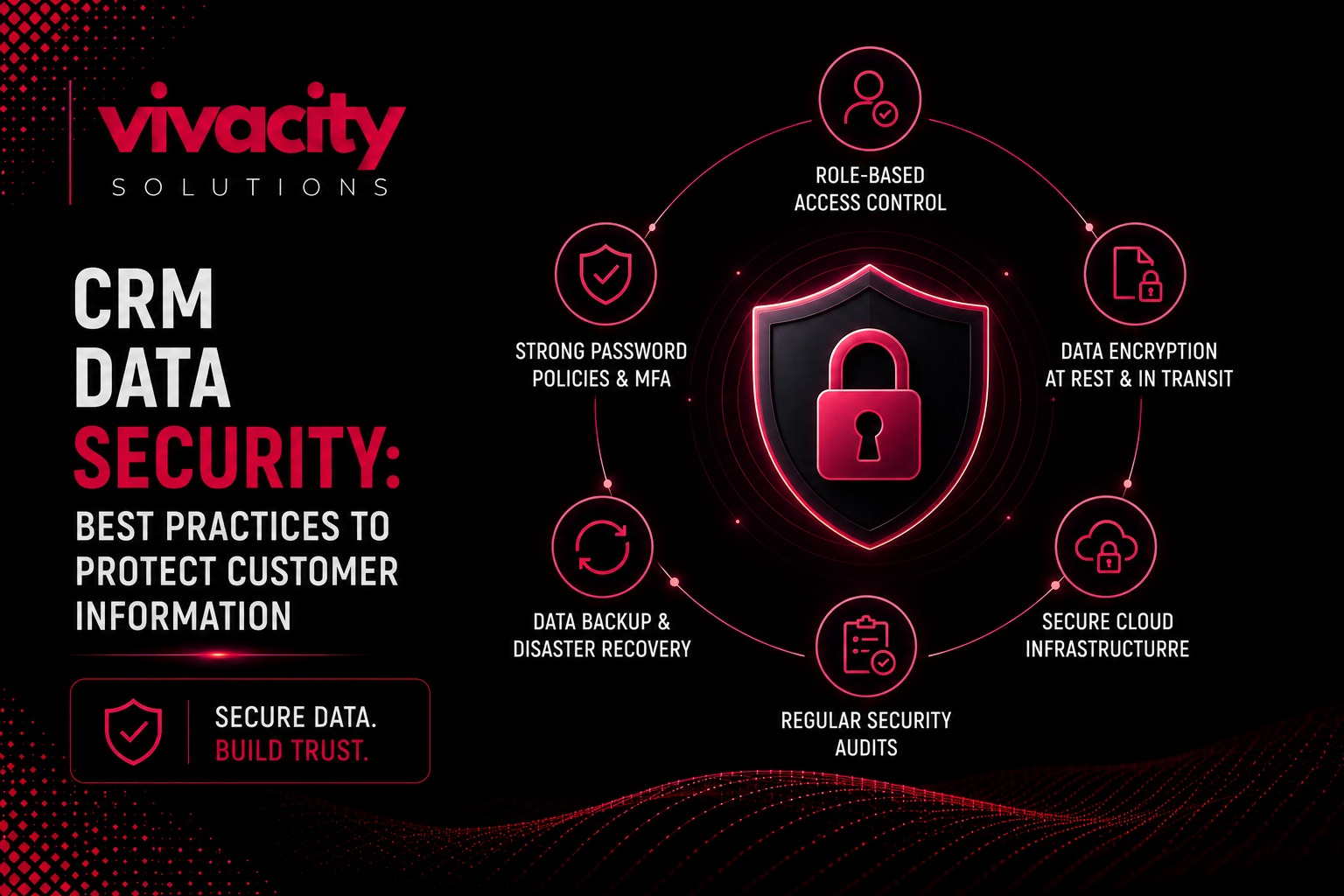
Before we dive deep, let me answer this directly. The most effective CRM data security practices fall into seven categories. First, implement role‑based access control to limit who can see what. Second, enable multi‑factor authentication for all users. Third, use encryption for data in transit and at rest. Fourth, conduct regular security audits and vulnerability assessments. Fifth, keep your CRM software up to date with the latest patches. Sixth, train your employees on data privacy and security awareness. Seventh, ensure compliance with data protection regulations like GDPR, CCPA, or HIPAA.
This guide uses real‑world examples and proven strategies to help you secure your CRM system and protect customer information.
Written by Michael, CRM Strategy Lead at Vivacity Solutions. I have helped over one hundred businesses implement robust CRM data security frameworks
Why CRM Data Security Matters
CRM data security matters because your CRM system is a goldmine of sensitive customer data. It stores everything your customers have shared with you – their contact information, purchase history, communication history, preferences, and often payment details.
A breach of your CRM data security can have devastating consequences. Financial losses from fines, legal fees, and compensation. Reputation damage that erodes customer trust and takes years to rebuild. Loss of competitive advantage if your customer data falls into competitors' hands. And in some cases, business closure.
Customer information protection is also a legal requirement. Regulations like GDPR, CCPA, and HIPAA impose strict requirements on how you collect, store, and protect customer data. Non‑compliance with the GDPR can result in fines of up to €20 million or 4% of global turnover.
CRM data security is not just an IT issue. It is a business issue. It affects your customer relationships, your brand reputation, and your bottom line. A single breach can undo years of trust‑building.
CRM protection should be a priority from the moment you start using a CRM system. It is easier and cheaper to prevent a breach than to recover from one.
If you are new to CRM fundamentals, understanding what is CRM is the first step. Securing your CRM system is the second.
Common CRM Security Risks and Threats
Understanding the threats is essential for effective CRM data security. Here are the most common CRM security risks.
Unauthorized access. This is when someone gains access to your CRM system without permission. This could be an external hacker or an internal employee accessing data they should not see. Unauthorized access is one of the most common CRM security risks.
Phishing attacks. Cybercriminals use phishing emails to trick employees into revealing their login credentials. Once they have access, they can steal customer data or install malware. Phishing attacks are a major threat to CRM data protection.
Insider threats. Not all threats come from outside. Disgruntled employees, careless workers, or those who have been compromised can expose sensitive customer data. Insider threats are often overlooked in CRM security planning.
Data breaches. A data breach occurs when customer information is accessed or stolen without authorization. Breaches can result from hacking, malware, lost devices, or human error. Data breaches are the most visible CRM security risk.
Data loss. Data can be lost through accidental deletion, hardware failure, or ransomware attacks. Data loss can disrupt your business and damage customer trust.
Security vulnerabilities. Outdated CRM software, unpatched systems, and weak configurations create security vulnerabilities that attackers can exploit.
Human error. Employees may accidentally share sensitive information, use weak passwords, or fall for phishing scams. Human error is one of the biggest CRM security risks.
Social engineering. Attackers manipulate employees into revealing sensitive information or granting access. Social engineering is a common tactic for bypassing technical CRM protection measures.
Understanding CRM integration mistakes can also help you avoid introducing security vulnerabilities through third‑party integrations.
The 7 Pillars of CRM Data Security
Let me walk you through the seven most important CRM data security best practices.
Role‑Based Access Control
Role‑based access control (RBAC) is one of the most effective CRM data security measures. It ensures that each user has access only to the data and features they need for their role.
For example, a sales representative can view customer records and update deals, but cannot access financial data or employee records. A manager has broader access, while an administrator has full access. RBAC limits the damage if an account is compromised.
RBAC also helps with data compliance by ensuring that only authorized personnel can access sensitive customer data.
When configuring your CRM system, define user roles carefully. Start with the principle of least privilege – give users only the access they need and nothing more. Review and update roles regularly.
Multi‑Factor Authentication
Multi‑factor authentication (MFA) adds an extra layer of CRM protection beyond passwords. With MFA, users must provide two or more verification factors to access the CRM system.
Common MFA methods include: a one‑time code sent via SMS or authenticator app, a biometric factor like fingerprint or facial recognition, or a hardware security key. MFA significantly reduces the risk of unauthorized access even if passwords are compromised.
MFA should be mandatory for all users, especially administrators and those with access to sensitive customer data. Many CRM systems offer native MFA support.
Data Encryption
Data encryption is essential for CRM data security. It ensures that even if data is intercepted or stolen, it cannot be read without the encryption key.
Data in transit should be encrypted using TLS/SSL protocols. This protects data as it travels between your users and the CRM system.
Data at rest should be encrypted on the CRM servers and any backups. This protects data if the servers are physically compromised.
Most reputable CRM providers offer native encryption. Ensure that your CRM system uses strong encryption standards.
Regular Security Audits and Vulnerability Assessments
Security audits and vulnerability assessments are essential for identifying and addressing CRM security risks.
A security audit reviews your CRM system configuration, access controls, and policies. It identifies gaps and recommends improvements.
A vulnerability assessment scans your CRM system for known vulnerabilities, such as outdated software or weak configurations.
Conduct security audits at least annually. Vulnerability assessments should be more frequent, especially after major changes.
Audit logs should be enabled and reviewed regularly to detect suspicious activity.
Software Updates and Patch Management
Outdated CRM software is one of the biggest CRM security risks. Attackers actively look for known vulnerabilities in older versions.
Patch management is the process of applying software updates to fix security vulnerabilities. It should be a regular, scheduled activity.
Ensure that your CRM system is set to receive automatic updates for security patches. Test updates in a non‑production environment before applying them to your live system.
CRM integration with third‑party tools also requires patch management for those systems.
Employee Training and Security Awareness
Human error is one of the biggest CRM security risks. Employees are often the weakest link in CRM data security.
Training is essential. Your employees should understand the importance of data privacy and data security. They should know how to create strong passwords, recognize phishing attempts, and handle sensitive customer data securely.
Regular security awareness training should cover: phishing and social engineering, password security, data handling procedures, reporting suspicious activity, and mobile device security.
CRM adoption strategies should include security training to ensure users understand their responsibilities.
Compliance with Data Protection Regulations
Data compliance is not optional. Regulations like GDPR, CCPA, and HIPAA impose strict requirements on how you collect, store, and protect customer information.
Ensure that your CRM system supports compliance. Features like data access controls, audit logs, data retention policies, and the ability to delete customer data on request are essential.
Work with legal and compliance teams to understand your obligations. Review your CRM data security practices regularly to ensure ongoing compliance.
CRM Features that support compliance include access controls, audit trails, and data encryption.
How to Prevent CRM Data Breaches
Preventing CRM data breaches requires a proactive approach. Here are key strategies.
First, implement strong access controls. Use role‑based access control (RBAC) and multi‑factor authentication (MFA) to limit and secure access.
Second, encrypt all sensitive data. Use encryption for data in transit and at rest.
Third, monitor for suspicious activity. Enable audit logs and security monitoring. Investigate unusual login attempts or data access patterns.
Fourth, conduct regular security audits and vulnerability assessments. Identify and address weaknesses before they are exploited.
Fifth, keep software updated. Apply security patches promptly. Patch management is critical.
Sixth, train employees. CRM data security is everyone's responsibility. Regular training reduces human error.
Seventh, have an incident response plan. If a breach occurs, you need a clear plan for containment, notification, and recovery.
Eighth, work with a security partner. For complex or enterprise environments, consider working with a CRM development partner or security specialist.
CRM integration mistakes can introduce vulnerabilities. Ensure that all integrations are secure and properly configured.
DIY vs. Working with a CRM Security Partner
Many business owners wonder whether to handle CRM data security themselves or work with a partner. Let me compare the two approaches.
DIY CRM security relies on your internal team. This can work if you have experienced security professionals and up‑to‑date knowledge of threats and regulations. However, most businesses lack the resources and expertise. The result is often gaps in CRM protection and increased risk.
Working with a CRM security partner brings specialized expertise, continuous monitoring, and proven security frameworks. A CRM development partner or security specialist can help you implement CRM data security best practices, conduct vulnerability assessments, and ensure compliance.
CRM consulting services and CRM Development Services can include security assessments and implementation support. CRM implementation with security built in from the start is far more effective than adding security later.
CRM integration with secure systems and partners also requires expertise. CRM integration mistakes can introduce vulnerabilities.
For most businesses, working with a security partner is the best approach. The cost of a partner is far less than the cost of a breach.
Final Thought
CRM data security is not optional. It is essential. Your CRM system contains some of your most valuable assets – your customer relationships. A breach can destroy trust, damage your reputation, and lead to severe financial and legal consequences.
The CRM data security best practices I have outlined here work. Implement role‑based access control, enable multi‑factor authentication, use encryption, conduct regular security audits, keep software updated, train your employees, and ensure data compliance.
Start today. Assess your current CRM data security posture. Identify gaps. Implement improvements. And if you need help, work with an experienced CRM consultant or CRM development partner.
Your customers trust you with their information. Protect that trust.
For ongoing success, explore CRM Services that include security assessments, implementation, and support. And always keep learning about CRM strategies and CRM data security as threats evolve.
FAQs
What is CRM data security?
CRM data security refers to the practices, policies, and technologies used to protect customer information stored in a CRM system from unauthorized access, breaches, cyber threats, and data loss. It includes encryption, access controls, authentication, and compliance with data protection regulations.
Why is CRM data security important?
CRM data security is important because CRM systems store sensitive customer information, including contact details, purchase history, communication records, and payment information. A breach can lead to financial losses, reputation damage, legal penalties, and loss of customer trust.
What are the best practices for CRM data security?
Best practices for CRM data security include implementing role‑based access controls, enabling multi‑factor authentication, encrypting data in transit and at rest, conducting regular security audits, keeping software updated, training employees, and ensuring compliance with GDPR, CCPA, or HIPAA.
How can I prevent CRM data breaches?
Prevent CRM data breaches by implementing strong access controls, using encryption, monitoring for suspicious activity, conducting regular vulnerability assessments, training employees on security awareness, and having a clear incident response plan.
What is role‑based access control in CRM?
Role‑based access control (RBAC) in CRM means granting users access only to the data and features they need for their role. For example, sales reps can view customer records but not financial data, while managers have broader access. This limits exposure if an account is compromised.
What is multi‑factor authentication?
Multi‑factor authentication (MFA) requires users to provide two or more verification factors to access the CRM system. This includes something they know (password), something they have (phone or token), or something they are (biometric). MFA significantly reduces unauthorized access risk.
What is data encryption in CRM?
Data encryption in CRM protects data by converting it into a format that cannot be read without the encryption key. Data in transit (traveling between systems) and data at rest (stored on servers) should both be encrypted to ensure CRM data security.
What is GDPR compliance in CRM?
GDPR compliance in CRM means ensuring your CRM system meets the requirements of the General Data Protection Regulation, including data access controls, audit logs, data retention policies, and the ability to delete customer data on request.
How can I protect customer data in CRM?
Protect customer data in CRM by implementing access controls, encryption, regular security audits, employee training, and compliance with data protection regulations. Work with a CRM security partner if needed.
What is the cost of a CRM data breach?
The average cost of a data breach reached $4.88 million in 2025, including detection, containment, notification, legal fees, fines, and lost business. Many businesses that suffer a breach do not recover.
Comments (0)
No comments yet. Be the first to share your thoughts!
Leave a Comment